
In 2026, the way we interact with our technology has undergone a fundamental shift. With the iPhone 16 and 16 Pro, Apple has integrated its sophisticated AI suite—Apple Intelligence—deeply into the hardware and software experience. This isn't just a collection of chatbots; it is a system-wide intelligence that understands your personal context, helps you write with precision, and simplifies complex tasks with a single click of the Camera Control button.
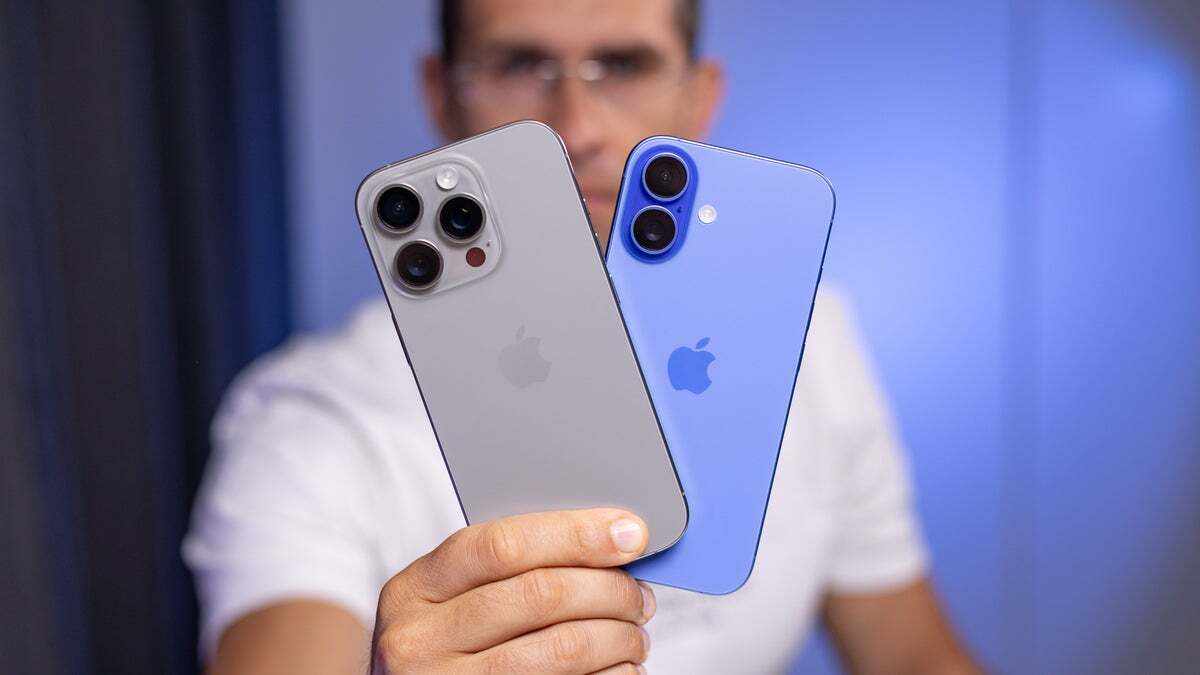
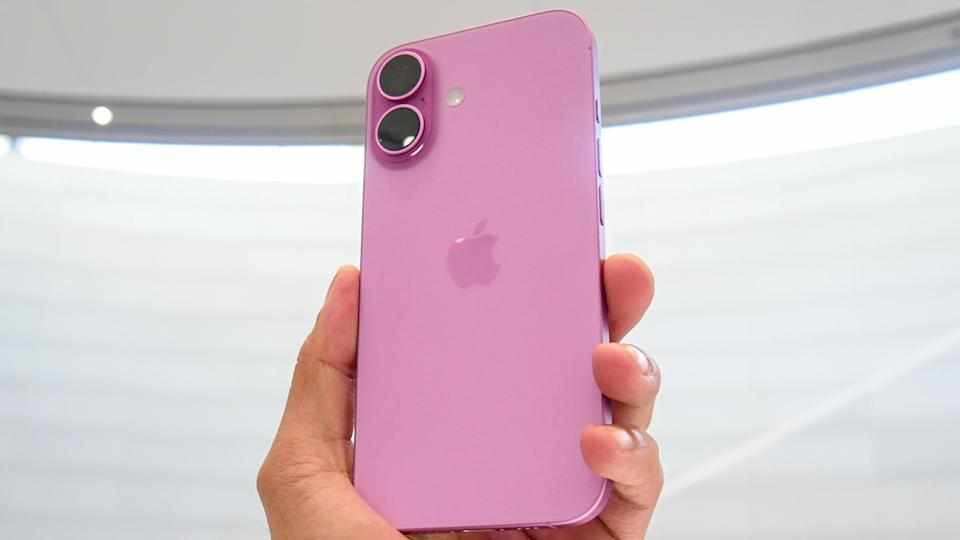
Whether you are looking for an iphone 16 refurbished to experience these features at a better value or you have just unboxed a brand-new Pro model, setting up and mastering Apple Intelligence is the key to unlocking the full potential of your device.
Preparing Your Device for Apple Intelligence
Before you can dive into the world of generative AI and visual search, you must ensure your device is ready. Apple Intelligence requires significant processing power, which is why it is exclusive to the iPhone 15 Pro, iPhone 16, and newer models.
First, navigate to Settings > General > Software Update to ensure you are running the latest version of iOS. As of early 2026, the most advanced features are optimized for the latest iterations of the operating system. If you are in India and don't see the options immediately, ensure your device language and Siri language are set to a supported dialect, such as English (United States) or English (India), as the phased rollout continues across regions.
Activating and Setting Up the AI Suite
Once your software is current, you can enable the features by going to Settings > Apple Intelligence & Siri. If you haven't used these tools before, you may be prompted to join a waitlist. In most cases, access is granted within minutes, after which your iPhone will begin downloading the necessary on-device models. This download usually requires around 2.5 GB to 7 GB of storage, so it is best to stay connected to Wi-Fi.
For those looking to save on their next upgrade, choosing a second hand iphone in india through trusted platforms like EasyPhones is a smart way to get these high-end capabilities without the premium price tag. Once activated, you will notice a glowing multi-color light wrap around the edge of your screen when you summon Siri, signaling that the intelligence system is active.
Mastering Writing Tools Across Apps
One of the most practical applications of Apple Intelligence is the system-wide Writing Tools. This feature is available almost everywhere you type—Notes, Mail, Messages, and even third-party apps. By highlighting a block of text, you can select "Writing Tools" from the pop-up menu to:
Proofread: Automatically fix grammar and spelling errors.
Rewrite: Adjust the tone of your message to be more professional, friendly, or concise.
Summarize: Turn long emails or articles into key bullet points or a short paragraph.
This is particularly useful for students and professionals who need to manage large amounts of information quickly. The AI doesn't just check for errors; it understands the intent behind your words, helping you communicate more effectively.
Using Visual Intelligence with Camera Control
The iPhone 16 and 16 Pro introduced a dedicated Camera Control button that serves as the gateway to "Visual Intelligence." This feature allows your phone to "see" and understand the world around you in real-time.
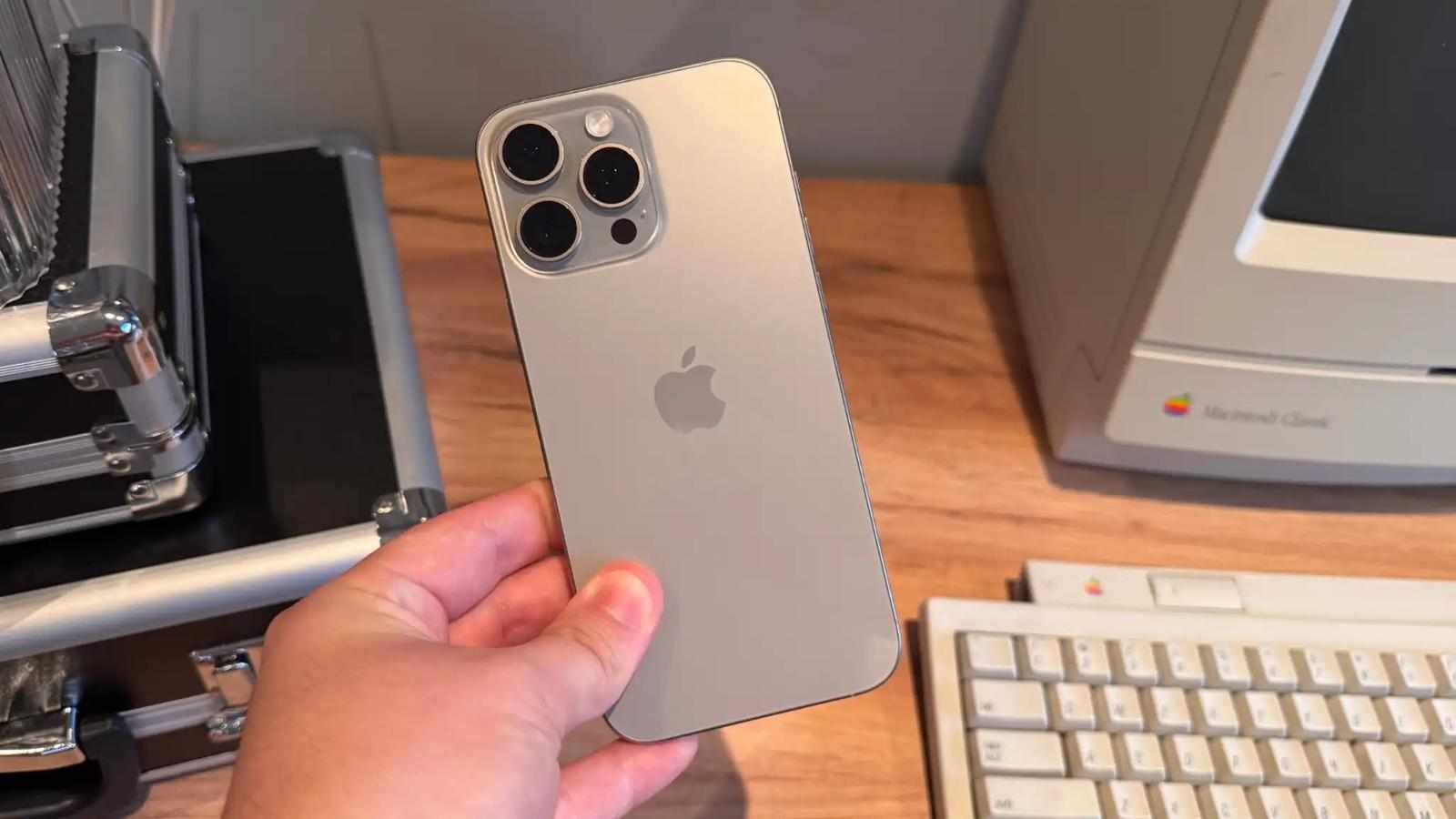
By clicking and holding the Camera Control button, you can point your lens at a restaurant to see its hours and ratings, or at a flyer for a concert to automatically add the event details to your Calendar. If you encounter a complex object or a plant you don't recognize, the integration with ChatGPT allows you to ask deep questions about what you are looking at. If you are currently using a iphone 16 pro refurbished model, you will find that the A18 Pro chip handles these intensive visual tasks with incredible speed and fluidity.
Exploring Image Playground and Genmoji
Apple Intelligence also brings a creative spark to your daily conversations through Image Playground and Genmoji. Unlike traditional emojis, Genmoji are created on the fly based on your text descriptions. Want a "T-Rex wearing a tutu on a surfboard"? Simply type it in the Messages app, and the AI generates it for you.
Image Playground takes this further, allowing you to create stylized illustrations, sketches, or animations. You can even use photos of your friends and family from your library to create personalized images in fun, safe styles. These creative tools are designed to be intuitive, ensuring that you don't need to be a digital artist to express yourself uniquely.
Privacy and On-Device Processing
A major hallmark of Apple's approach to AI is its commitment to privacy. Unlike many AI services that process your data in the cloud, Apple Intelligence performs the majority of its tasks on-device. When a request requires more power, it uses Private Cloud Compute, which ensures your data is never stored or accessible by Apple.
This focus on security makes the iPhone 16 series a reliable companion for both personal and professional use. EasyPhones understands the importance of this reliability, offering certified devices that maintain the integrity of these advanced security features.
Managing Notifications with Priority Summaries
If you find yourself overwhelmed by a constant stream of alerts, Apple Intelligence offers a solution through Notification Summaries. Instead of seeing a long list of individual messages, your iPhone will group them into a "Priority" section at the top of your stack.
The AI reads through your notifications and provides a concise summary of the most important information—such as a change in meeting time or a specific request from a family member—allowing you to stay informed without being distracted. You can customize which apps use this feature in the Settings > Notifications menu, ensuring that only the most relevant alerts get the "Intelligent" treatment.
Apple Intelligence is more than just a new feature; it is a new way to live and work with your iPhone. By following these steps, you can transform your device into a proactive assistant that saves you time and enhances your creativity.







Write a comment ...